FREE SHIPPING on Order over ₱ 1,500 Secure Checkout | 100% Safe & Trusted

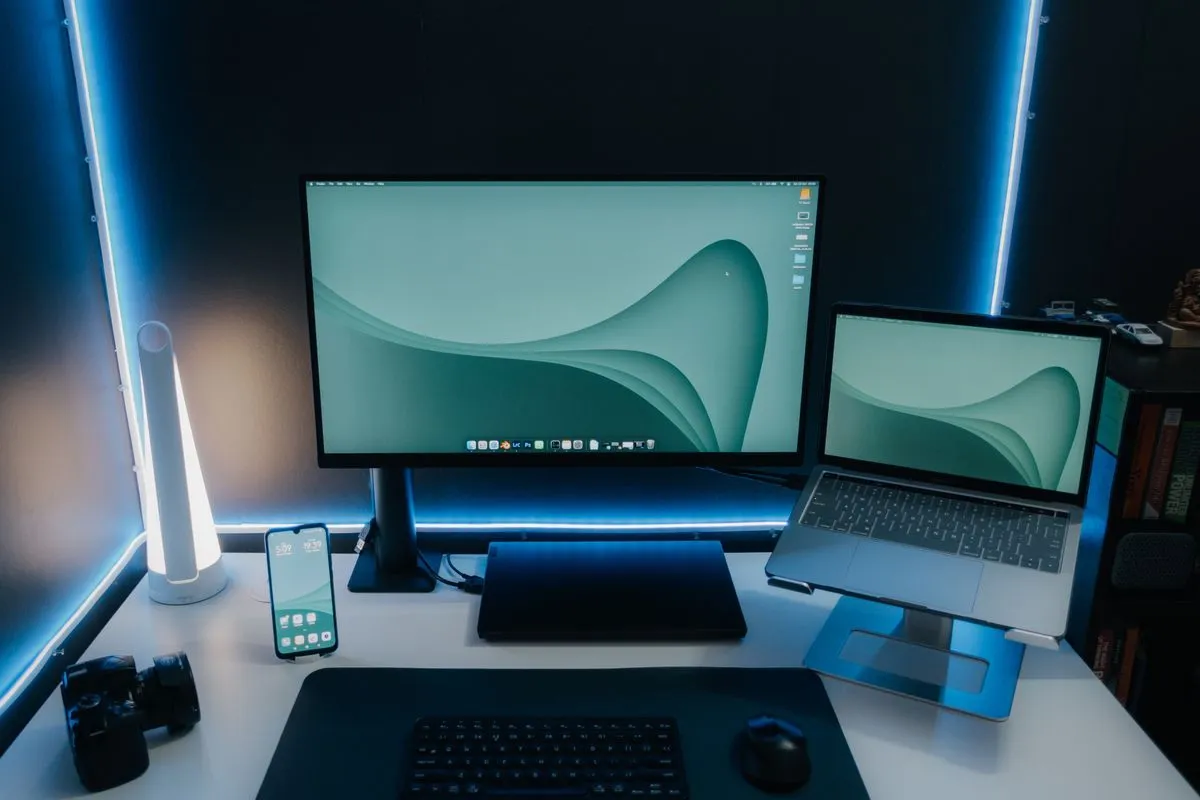
How to Organize Your Workspace for Better Productivity and Focus

A cluttered workspace can lead to distractions, reduced productivity, and unnecessary stress. Whether you work from home, run an online business, study, or manage creative projects, an organized workspace can help you stay focused and work more efficiently.
The good news is that creating a productive workspace doesn’t require expensive furniture or a complete office makeover. Small improvements can make a significant difference in your daily workflow.
In this guide, we’ll explore practical ways to organize your workspace and create an environment that supports productivity, creativity, and focus.
Why Workspace Organization Matters
Your environment directly affects how you think and work.
A messy workspace often results in:
- Difficulty finding important items
- Increased distractions
- Reduced concentration
- Lower productivity
- Higher stress levels
An organized workspace helps create a clear mental environment, making it easier to focus on important tasks.
Benefits include:
- Improved efficiency
- Better time management
- Increased focus
- Reduced stress
- Enhanced creativity
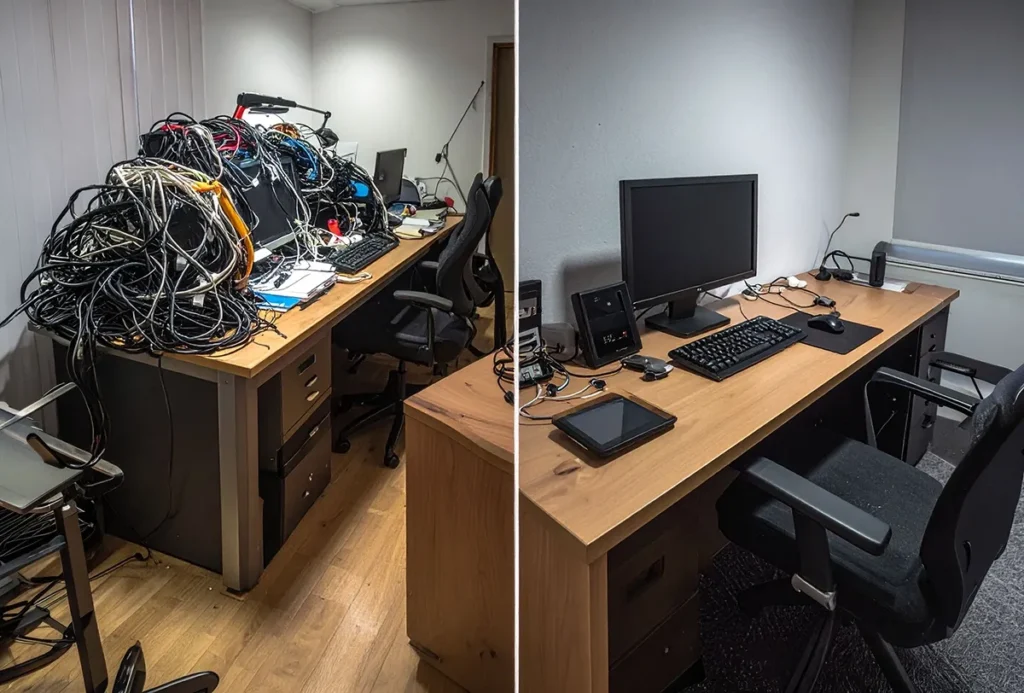
Start by Removing Unnecessary Clutter
The first step in organizing any workspace is removing items you don’t regularly use.
Ask yourself:
- Do I use this daily?
- Does this help me work more efficiently?
- Is this item creating unnecessary clutter?
Remove:
- Old papers
- Unused gadgets
- Empty packaging
- Broken accessories
- Excess cables
A cleaner workspace immediately feels more productive.
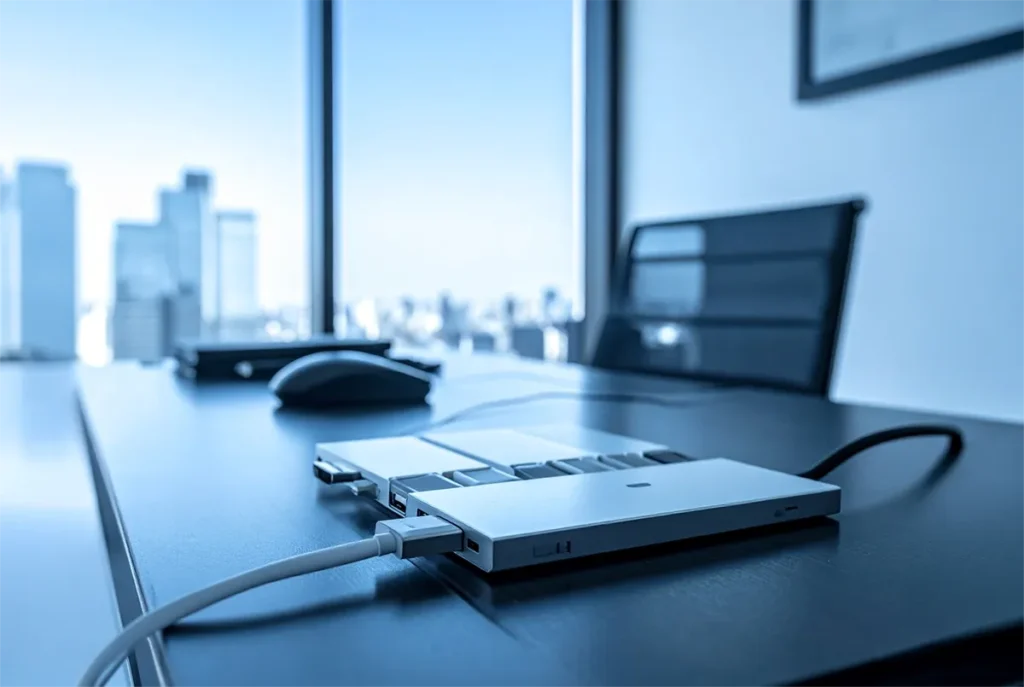
Create Dedicated Zones
Highly productive workspaces often have designated areas for different activities.
Work Zone
Keep:
- Computer or laptop
- Wireless mouse
- Keyboard
- Notebook
Charging Zone
Store:
- Charging cables
- USB charging hubs
- Wireless charging stations
Storage Zone
Organize:
- Documents
- Office supplies
- Frequently used accessories
Designating zones reduces the time spent searching for items.
Improve Cable Management
Messy cables are one of the biggest causes of workspace clutter.
Common desk cables include:
- Phone chargers
- USB cables
- Earphones
- Power adapters
Solutions include:
- Cable winders
- Cable clips
- Charging stations
- Multi-port USB hubs
Good cable management creates a cleaner and more professional workspace.
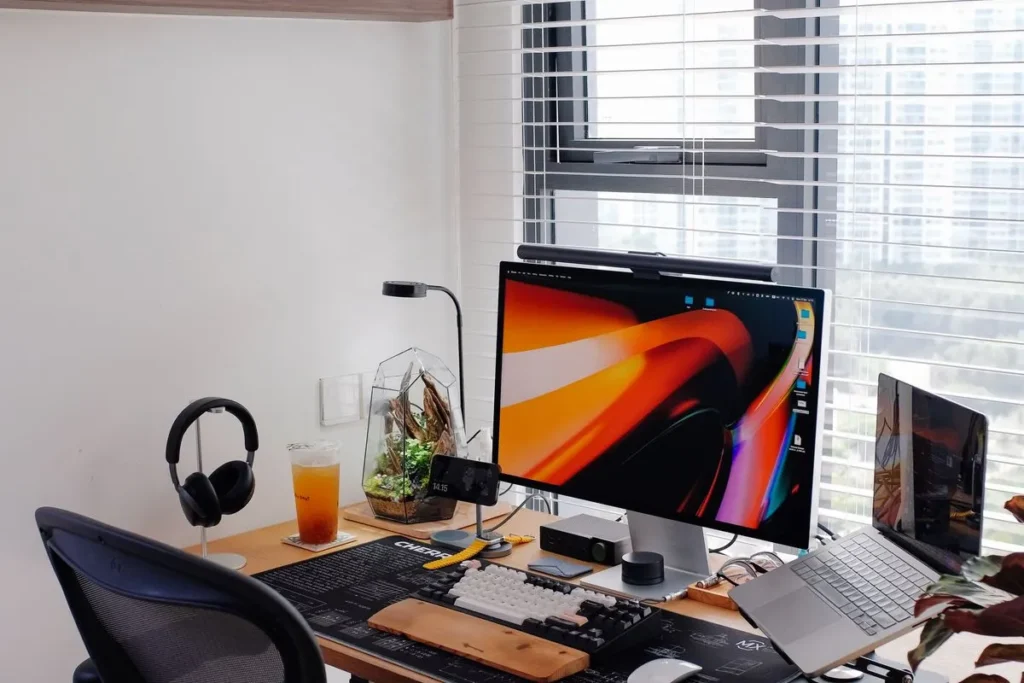
Use an Adjustable Device Stand
Many people spend hours looking down at phones or tablets.
An adjustable stand can help:
- Improve posture
- Reduce neck strain
- Free up desk space
- Improve video call comfort
Device stands are particularly useful for remote workers and students who multitask between multiple screens.
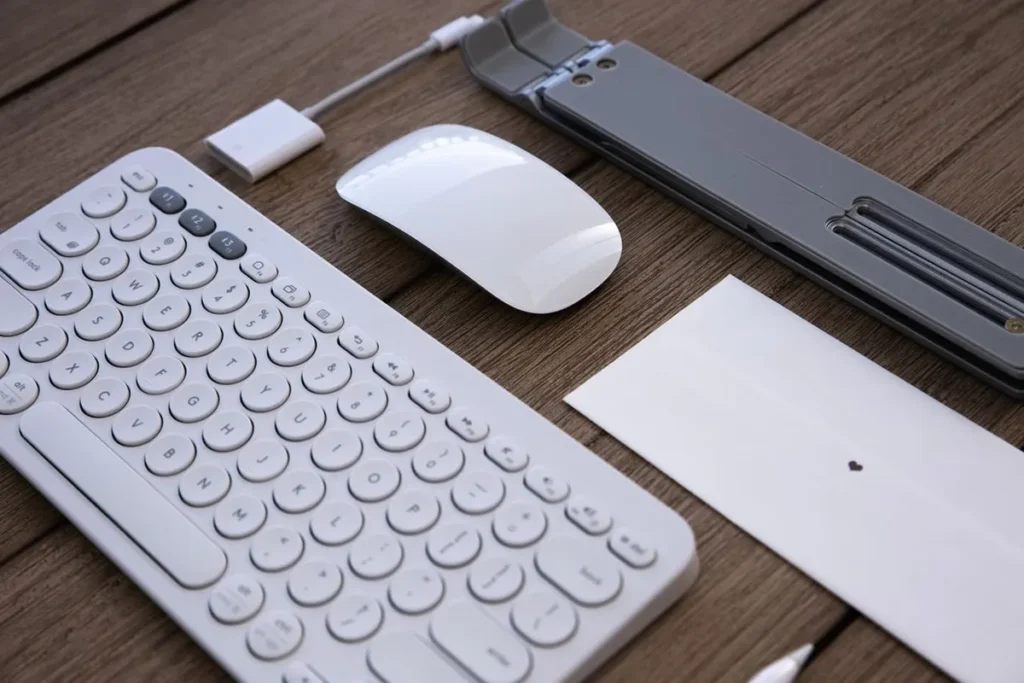
Upgrade to a Wireless Setup
Wireless accessories help eliminate unnecessary cables and improve desk organization.
Examples include:
- Wireless mouse
- Wireless keyboard
- Bluetooth speakers
- Wireless charging stations
Benefits:
- Cleaner appearance
- More flexibility
- Easier workspace maintenance
A wireless setup often creates a more modern and minimalist workspace.
Keep Frequently Used Items Within Reach
Place commonly used items near your primary work area.
Examples:
- Mouse
- Phone
- Notebook
- Charging cables
- Water bottle
Reducing unnecessary movement helps maintain focus and workflow efficiency.
Optimize Your Desk Layout
A well-designed layout improves comfort and productivity.
Screen Position
Your monitor should be approximately at eye level.
Mouse Placement
Keep your mouse close enough to avoid excessive reaching.
Lighting
Ensure adequate lighting to reduce eye strain.
Desk Space
Leave enough open space to work comfortably.
An organized layout encourages better posture and reduces fatigue.
Create a Daily Reset Routine
Even the best workspace becomes cluttered over time.
At the end of each day:
- Return items to their proper place
- Remove trash
- Organize cables
- Clear unnecessary papers
- Prepare for the next workday
This simple habit keeps your workspace consistently organized.
Best Workspace Accessories for Organization
Several affordable accessories can dramatically improve workspace organization.
Wireless Mouse
Improves navigation while reducing cable clutter.
Adjustable Tablet and Phone Stand
Provides hands-free convenience and better ergonomics.
USB Charging Hub
Centralizes device charging and reduces cable chaos.
Wireless Charging Station
Keeps devices powered while minimizing desk clutter.
Cable Organizer
Prevents tangled cables and improves desk appearance.
Common Workspace Organization Mistakes
Keeping Too Many Items on the Desk
Only keep essential tools within reach.
Ignoring Cable Management
Visible cable clutter creates visual distractions.
Poor Ergonomics
A clean desk is important, but comfort matters too.
No Maintenance Routine
Organization is easier to maintain than constantly rebuilding.
Workspace Organization for Remote Workers
Remote workers often spend many hours at their desks.
Consider adding:
- Ergonomic accessories
- Device stands
- Charging hubs
- Wireless peripherals
These upgrades improve both comfort and productivity during long work sessions.
Final Thoughts
Learning how to organize your workspace can significantly improve focus, productivity, and overall work satisfaction. By reducing clutter, improving cable management, optimizing your desk layout, and using the right accessories, you can create a workspace that supports your goals and helps you perform at your best.
The most productive workspace isn’t necessarily the most expensive—it’s the one that’s clean, functional, and organized around your daily needs.
Explore the Tech Essentials collection at Spaneum for workspace accessories designed to help professionals, students, creators, and remote workers stay organized and productive.
Frequently Asked Questions
How do I organize a cluttered workspace?
Start by removing unnecessary items, organizing cables, and creating dedicated zones for work, charging, and storage.
What are the best accessories for workspace organization?
Wireless mice, charging hubs, cable organizers, tablet stands, and wireless charging stations are excellent choices.
Why is workspace organization important?
An organized workspace helps improve focus, reduce distractions, and increase productivity.
How can I make my desk look more professional?
Reduce clutter, manage cables, use matching accessories, and keep only essential items visible.
What is the ideal workspace setup for remote work?
A comfortable desk, ergonomic chair, wireless accessories, proper lighting, and effective cable management create an ideal remote work environment.
Organize Your Workspace for Better Productivity