FREE SHIPPING on Order over ₱ 1,500 Secure Checkout | 100% Safe & Trusted


Must-Have Accessories for Remote Workers: Essential Tools for a More Productive Home Office

Working remotely has become the new normal for millions of professionals around the world. Whether you’re a freelancer, virtual assistant, online entrepreneur, student, or full-time remote employee, having the right workspace accessories can significantly improve your productivity, comfort, and overall work experience.
While a laptop and internet connection are the basics, the right accessories can help you stay organized, reduce distractions, and create a workspace that supports long hours of focused work.
In this guide, we’ll explore the must-have accessories every remote worker should consider for a more efficient home office.
Why the Right Accessories Matter
Remote work often means spending several hours at your desk every day. Without the proper setup, it’s easy to experience:
- Neck and shoulder discomfort
- Wrist fatigue
- Cable clutter
- Device charging issues
- Reduced productivity
Investing in practical desk accessories helps create a workspace that’s both comfortable and efficient.
Benefits include:
- Better organization
- Increased focus
- Improved ergonomics
- Faster workflow
- Less desk clutter
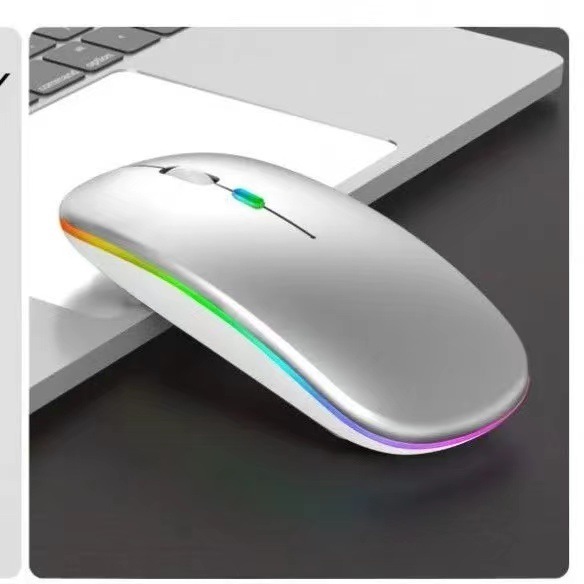
1. Rechargeable Wireless Mouse
A wireless mouse is one of the easiest upgrades for any remote workspace.
Compared to using a laptop trackpad, a wireless mouse offers:
- More precise navigation
- Greater comfort during long work sessions
- Faster productivity
- Cleaner desk setup with fewer cables
A rechargeable model also eliminates the need for disposable batteries, making it both convenient and eco-friendly.
Ideal for:
- Virtual assistants
- Graphic designers
- Office professionals
- Students
- Everyday computer users
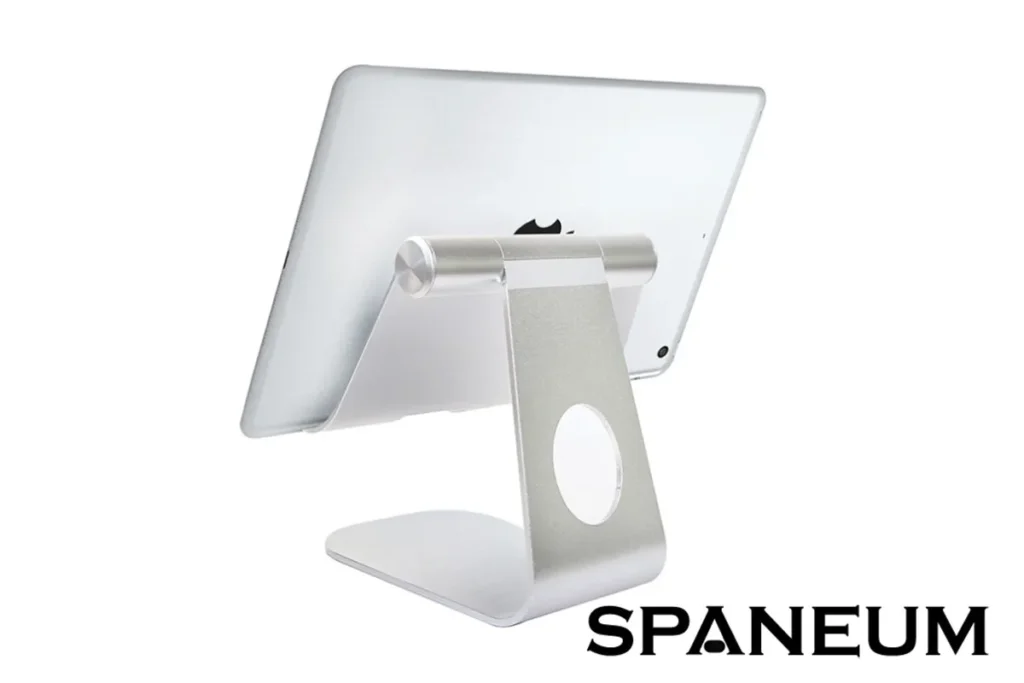
2. Adjustable Tablet and Phone Stand
Remote workers frequently switch between laptops, smartphones, and tablets throughout the day.
An adjustable stand helps by:
- Positioning devices at eye level
- Reducing neck strain
- Keeping your desk organized
- Supporting hands-free video calls
- Improving multitasking
Whether you’re attending online meetings or reading documents, a device stand adds convenience and comfort.
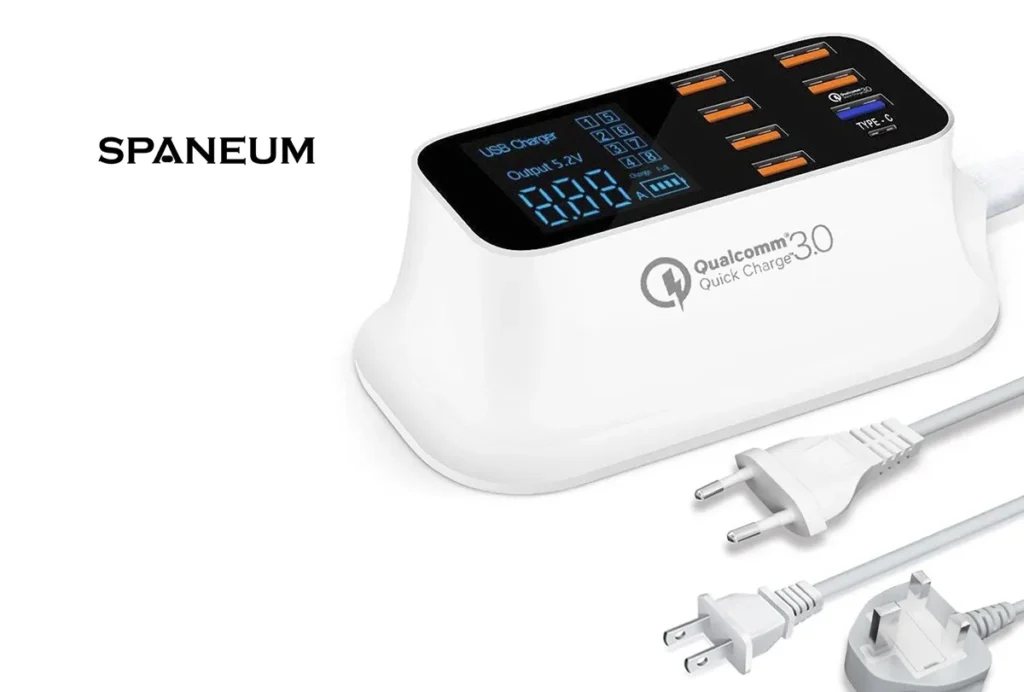
3. Multi-Port USB Charging Hub
Today’s remote workspace often includes multiple USB-powered devices, such as:
- Smartphones
- Tablets
- Wireless earbuds
- Smartwatches
- Bluetooth accessories
A multi-port USB charging hub allows you to charge several devices at once while reducing cable clutter.
Benefits include:
- Centralized charging
- Faster charging
- Better organization
- Fewer power adapters
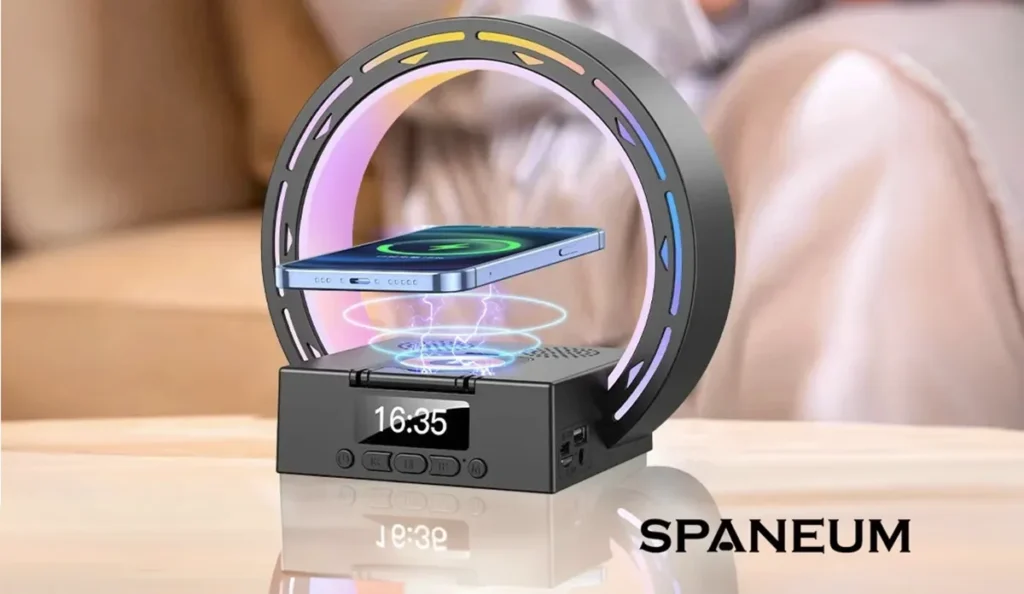
4. Wireless Charging Station with Bluetooth Speaker
An all-in-one charging station can simplify your desk while adding useful features.
Many modern models combine:
- Wireless phone charging
- Bluetooth speaker
- Digital clock
- Ambient lighting
- Phone stand functionality
This helps maximize desk space and keeps your essential devices ready throughout the day.
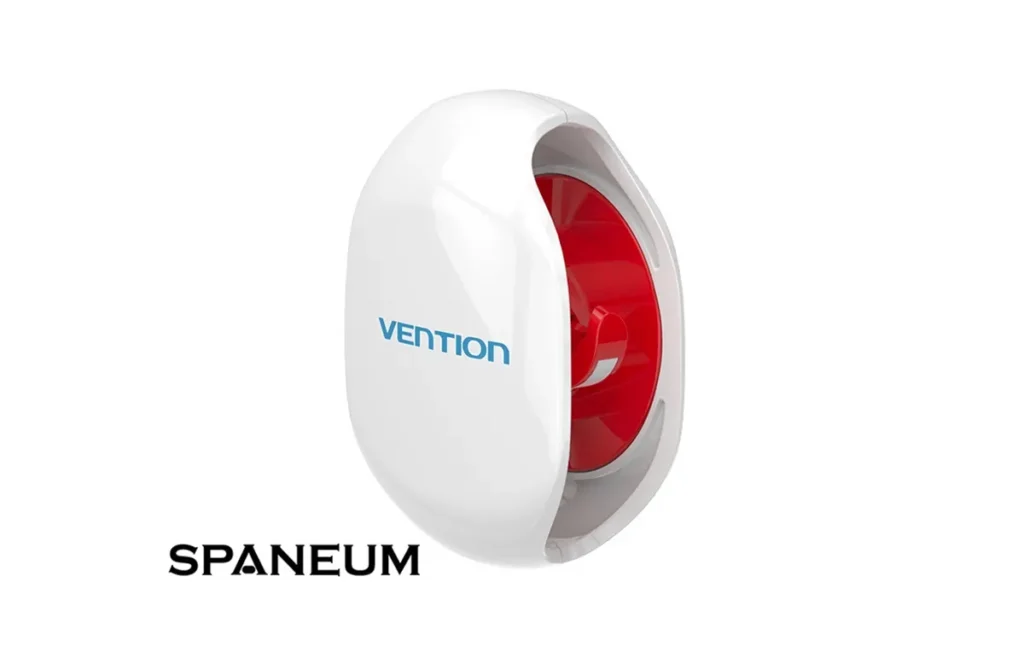
5. Cable Organizer and Cable Winder
Messy cables quickly make any workspace feel disorganized.
Simple cable organizers help manage:
- Charging cables
- Earphones
- USB cords
- Power cables
Advantages include:
- Cleaner workspace
- Reduced cable wear
- Easier cable access
- More professional appearance
Small improvements like cable management can have a big impact on daily productivity.
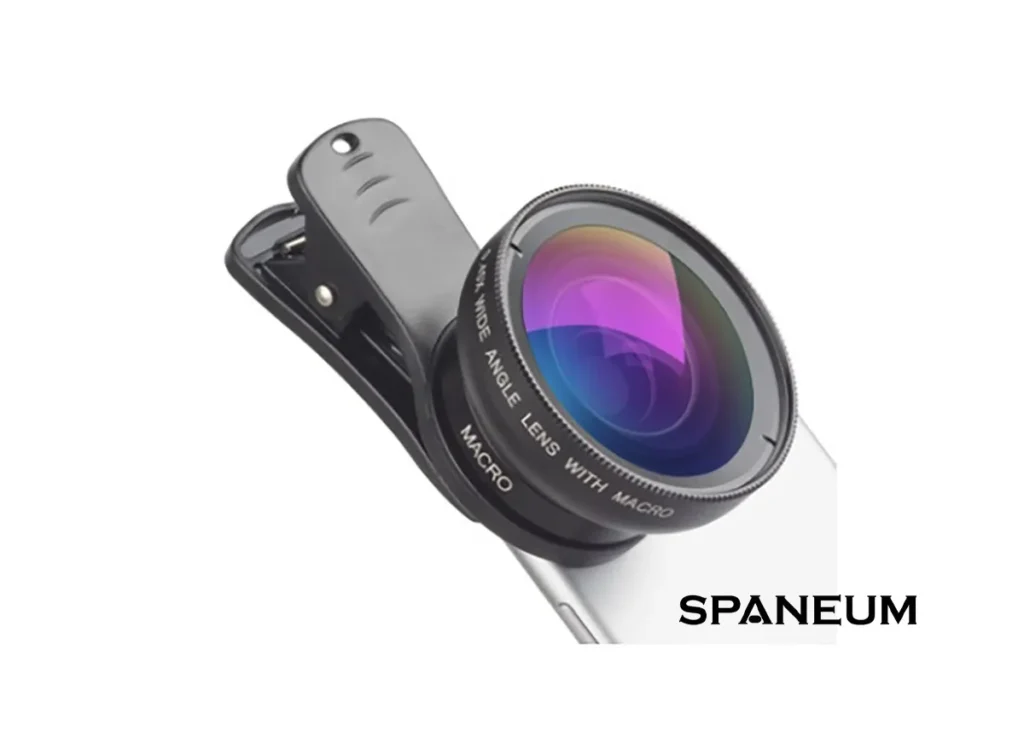
6. Smartphone Lens Kit for Content Creators
Many remote workers also create content for clients, social media, or online businesses.
A smartphone lens kit expands your phone’s camera capabilities with:
- Wide-angle photography
- Macro close-ups
- Creative product shots
It’s an affordable way to produce higher-quality content without carrying bulky camera equipment.

Build the Ideal Remote Work Setup
A productive home office doesn’t have to be expensive. Start with the essentials and upgrade over time.
Recommended setup:
Productivity
- Laptop or Desktop Computer
- Rechargeable Wireless Mouse
Organization
- Adjustable Tablet/Phone Stand
- Cable Organizer
- USB Charging Hub
Convenience
- Wireless Charging Station
- Bluetooth Speaker
Creativity
- Smartphone Lens Kit
This combination creates a workspace that’s comfortable, organized, and ready for daily tasks.
Tips for Staying Productive While Working Remotely
Beyond accessories, a few simple habits can make remote work more effective:
- Keep your desk clean and organized.
- Use a comfortable chair with proper posture.
- Take short breaks to stretch throughout the day.
- Keep only essential items on your desk.
- Maintain a consistent daily work schedule.
- Reduce distractions by creating a dedicated workspace.
Combining good habits with the right accessories helps create an environment where you can stay focused and productive.
Final Thoughts
The best remote work setup is one that supports both productivity and comfort. Accessories such as a rechargeable wireless mouse, adjustable device stand, USB charging hub, wireless charging station, and cable organizer can make everyday tasks easier while keeping your workspace neat and efficient.
Whether you’re working from home full-time or occasionally, investing in practical desk accessories is a smart way to improve your workflow and create a more enjoyable work environment.
Explore the Tech Essentials collection at Spaneum for workspace accessories designed to help remote workers, freelancers, students, and professionals stay organized, connected, and productive.
Frequently Asked Questions
What desk accessories improve productivity the most?
Wireless mice, adjustable stands, charging hubs, and cable organizers are among the most effective productivity accessories.
How can I organize my desk for better focus?
Reduce clutter, manage cables, keep essential tools within reach, and maintain a clean workspace.
Are wireless accessories better for productivity?
Wireless accessories can reduce cable clutter and create a cleaner, more flexible workspace.
What is the best desk setup for working from home?
A comfortable desk, ergonomic chair, wireless mouse, device stand, charging station, and proper lighting create an effective home office environment.
Why is cable management important?
Good cable management reduces clutter, improves organization, and makes workspaces easier to maintain.