FREE SHIPPING on Order over ₱ 1,500 Secure Checkout | 100% Safe & Trusted

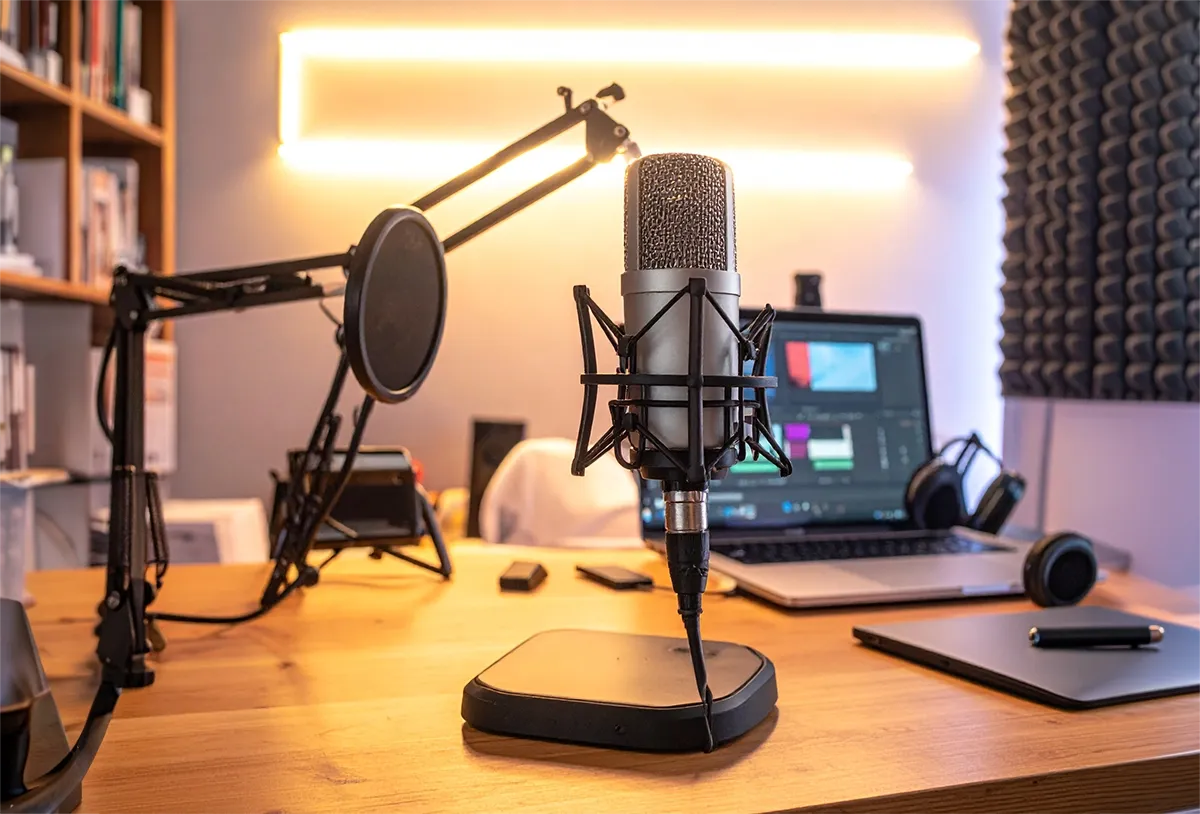
Home Recording Studio Setup for Beginners (Complete Guide)

Whether you’re planning to start a podcast, record music, livestream, teach online, or create YouTube videos, having a dedicated home recording studio can dramatically improve the quality of your content.
The good news is that you don’t need a professional studio or expensive equipment to get started. With a few carefully selected accessories and a quiet workspace, you can produce clear, professional-quality recordings from the comfort of your home.
In this guide, we’ll walk you through the essential equipment and practical tips for building a beginner-friendly home recording studio on a budget.
Why Build a Home Recording Studio?
A home recording studio gives you complete control over your recording environment. Instead of relying on noisy public spaces or expensive rental studios, you can record whenever inspiration strikes.
Benefits include:
- Better audio quality
- More recording flexibility
- Lower long-term costs
- Convenient workflow
- Professional results from home
Whether you’re recording vocals, podcasts, voice-overs, or online lessons, a dedicated setup helps you stay consistent and productive.
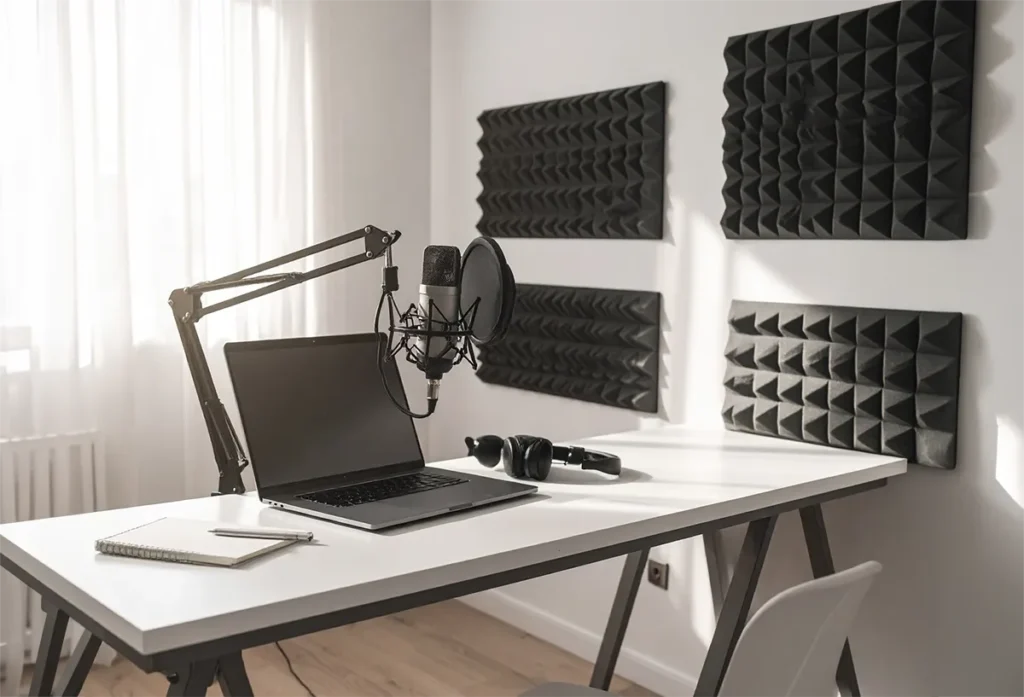
1. Choose a Quiet Recording Space
Your room has a bigger impact on audio quality than many people realize.
Look for a space that has:
- Minimal outside noise
- Soft furnishings such as curtains or rugs
- Limited echo
- Good ventilation
- Enough room for your equipment
Avoid recording near:
- Busy roads
- Electric fans pointing directly at the microphone
- Air conditioners with loud compressors
- Open windows during heavy traffic
Even a small bedroom or home office can become an excellent recording space with proper setup.
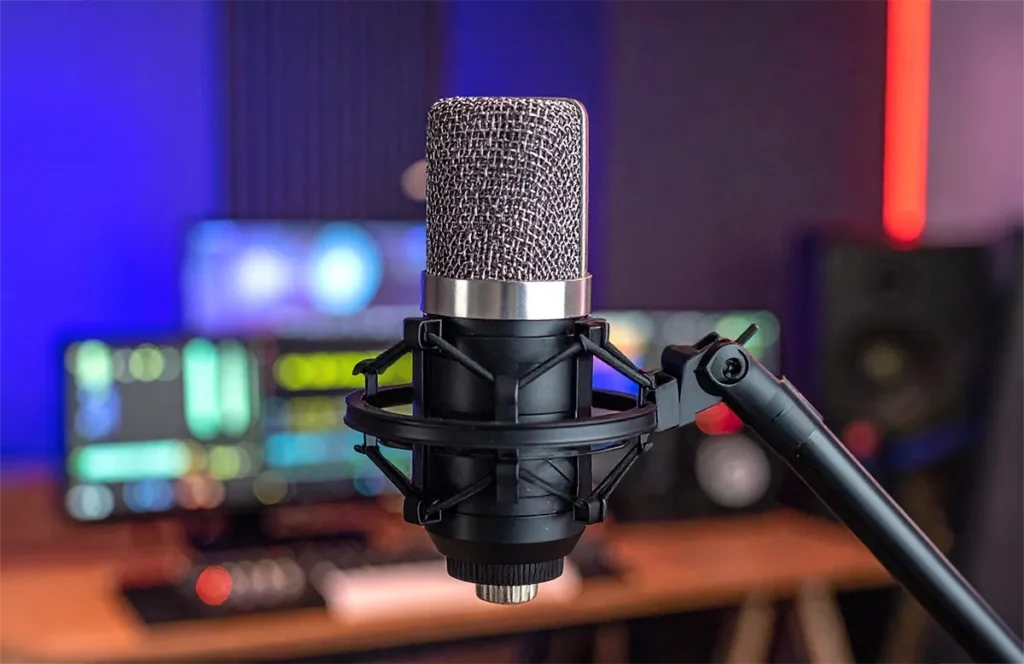
2. Invest in a Quality Condenser Microphone
The microphone is the heart of any recording studio.
For beginners, a condenser microphone such as the BM-800 offers excellent value by providing:
- Clear vocal recordings
- Rich sound quality
- Good sensitivity
- Affordable pricing
- Versatility for podcasts, streaming, and music
A quality microphone often makes a bigger difference than upgrading your computer or camera.
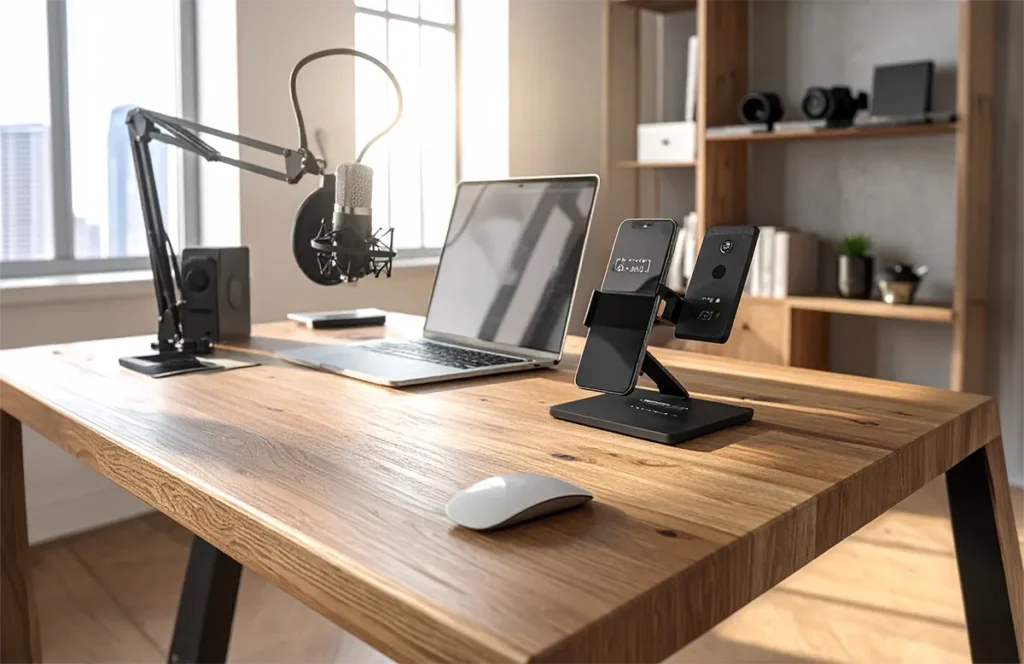
3. Position Your Microphone Correctly
Proper microphone placement helps reduce unwanted noise and improves vocal clarity.
General tips:
- Position the microphone about 15–20 cm (6–8 inches) from your mouth.
- Speak slightly across the microphone instead of directly into it to reduce harsh “P” and “B” sounds.
- Maintain a consistent distance while recording.
- Record in a comfortable seated position to avoid unnecessary movement.
Good positioning can significantly improve the quality of your recordings without spending extra money.
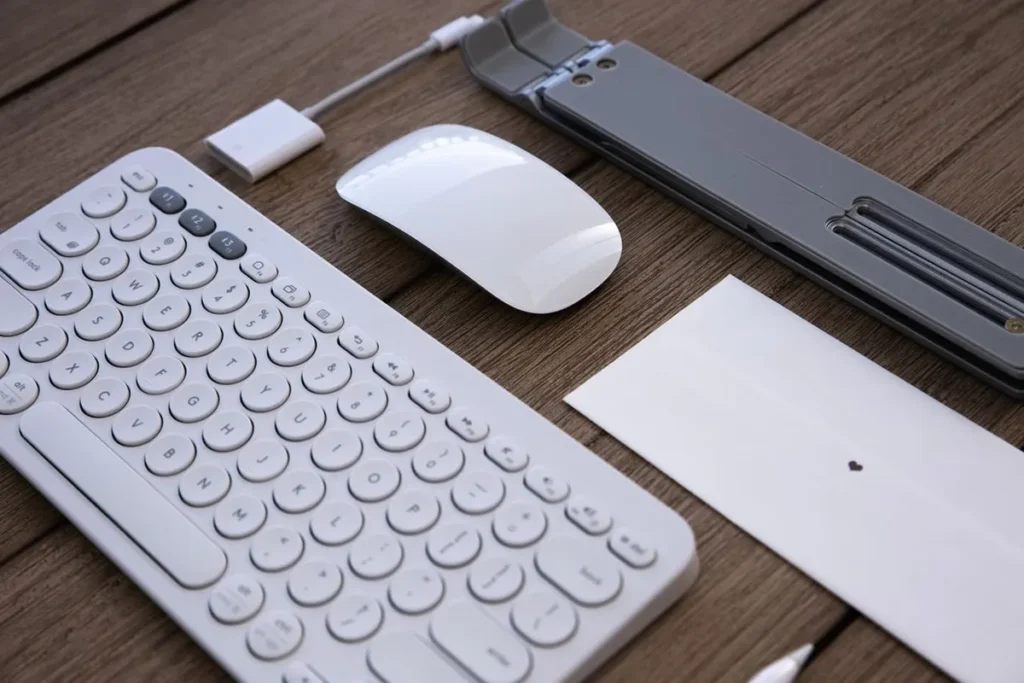
4. Organize Your Workspace
A clean recording desk helps improve productivity and reduces distractions.
Essential desk accessories include:
- Adjustable tablet or phone stand
- Rechargeable wireless mouse
- Multi-port USB charging hub
- Cable organizers
An organized workspace also makes it easier to switch between recording, editing, and uploading content.
5. Manage Your Cables
Recording setups often include several cables.
Examples:
- USB cables
- Charging cables
- Audio cables
- Power adapters
Keeping cables organized:
- Improves safety
- Prevents cable damage
- Creates a cleaner workspace
- Makes troubleshooting easier
Simple cable organizers can make a big difference.
6. Use Proper Lighting
If you’re recording videos or livestreams, lighting is just as important as audio.
Natural daylight works well when available.
If recording at night, use soft LED lighting positioned slightly above eye level to create a more flattering appearance.
Good lighting makes your videos look more professional without requiring an expensive camera.
7. Keep Your Equipment Powered
Content creators often charge several devices simultaneously.
A multi-port USB charging hub helps power:
- Smartphones
- Wireless microphones
- Bluetooth accessories
- Tablets
- Rechargeable mice
Having everything charged and ready saves time during recording sessions.
8. Reduce Background Noise
Simple ways to improve audio quality include:
- Closing doors and windows
- Turning off noisy appliances
- Recording during quieter hours
- Using soft furniture to absorb sound
- Keeping microphones away from computer fans
Even basic adjustments can noticeably improve recording quality.
Sample Beginner Home Studio Setup
A simple setup might include:
- BM-800 Condenser Microphone
- Laptop or Desktop Computer
- Adjustable Phone/Tablet Stand
- Rechargeable Wireless Mouse
- USB Charging Hub
- Quiet Desk Space
This setup provides everything most beginners need to start recording podcasts, videos, voice-overs, or online lessons.
Common Mistakes Beginners Make
Buying Expensive Gear Too Early
Focus on creating consistent content before investing in high-end equipment.
Recording in Echoey Rooms
Room acoustics matter more than many beginners realize.
Ignoring Cable Management
Messy cables create unnecessary distractions and reduce workspace efficiency.
Poor Microphone Placement
Even a great microphone won’t sound its best if positioned incorrectly.
Inconsistent Recording Environment
Try to record in the same room with the same setup whenever possible for consistent audio quality.
Final Thoughts
Building a home recording studio doesn’t have to be complicated or expensive. By choosing a quiet recording space, investing in a quality condenser microphone, organizing your workspace, and following basic recording practices, you can produce clear, professional-quality audio from home.
Whether you’re launching a podcast, creating YouTube videos, teaching online, or recording music, a simple home studio provides the foundation for better content and a smoother creative workflow.
Explore the Sound Studio collection at Spaneum for beginner-friendly recording accessories and workspace essentials designed to help you create with confidence.
Frequently Asked Questions
What do I need for a beginner home recording studio?
A basic setup includes a quality condenser microphone, computer, quiet recording space, and a clean, organized workspace.
Is the BM-800 microphone good for beginners?
Yes. The BM-800 is a popular budget-friendly condenser microphone suitable for podcasts, streaming, voice-overs, and beginner music recording.
Can I build a home recording studio on a budget?
Absolutely. You can start with affordable equipment and upgrade gradually as your recording needs grow.
How can I improve my recording quality at home?
Choose a quiet room, position your microphone correctly, reduce background noise, and keep your recording space organized.
Do I need expensive equipment to start recording?
No. Consistent practice, good microphone placement, and a quiet environment often matter more than owning expensive studio gear.